
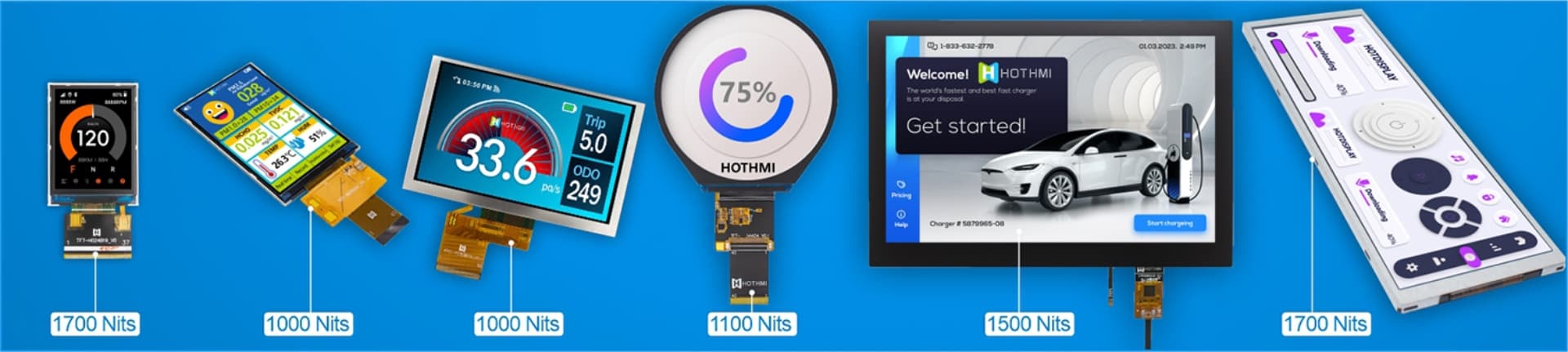
Hot Products
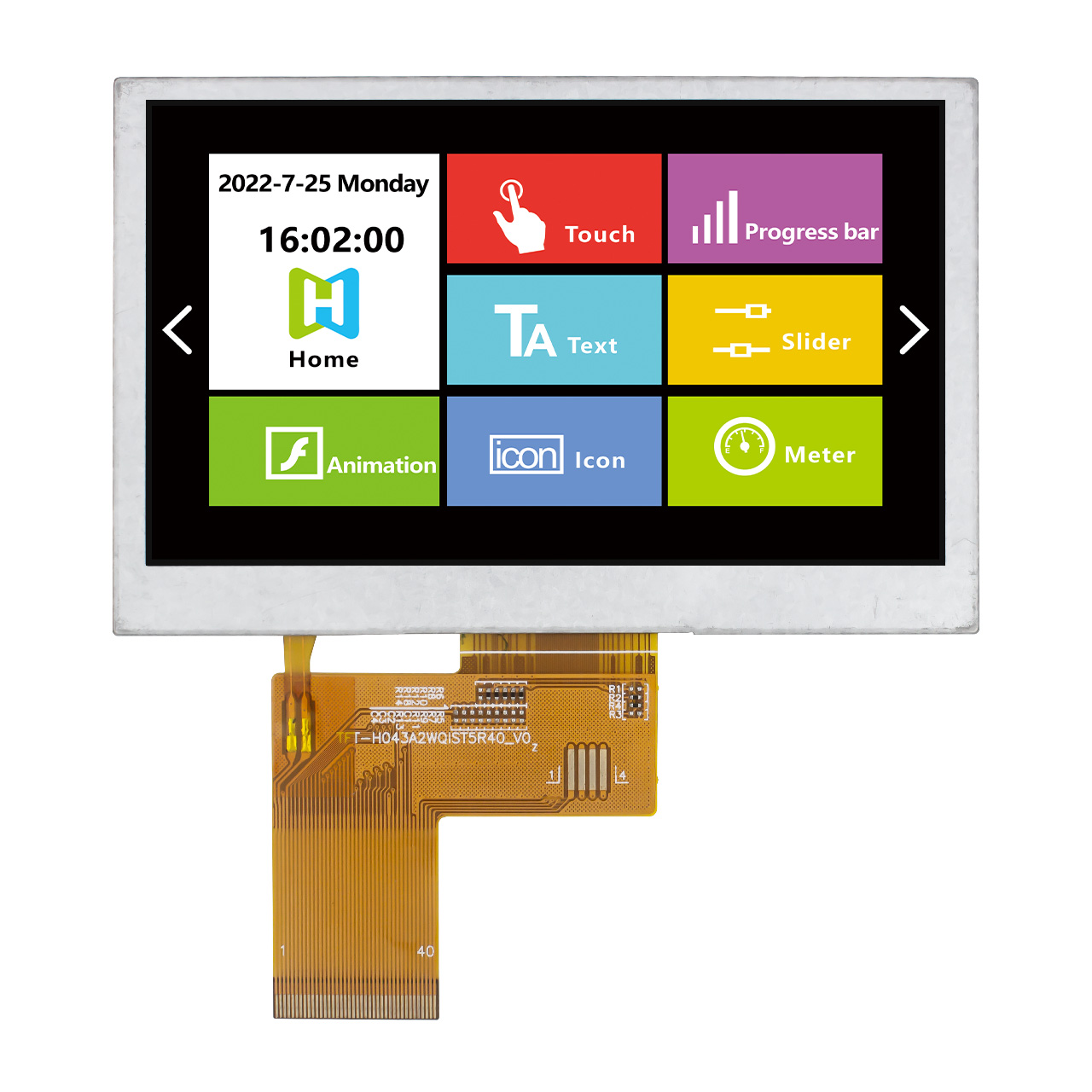
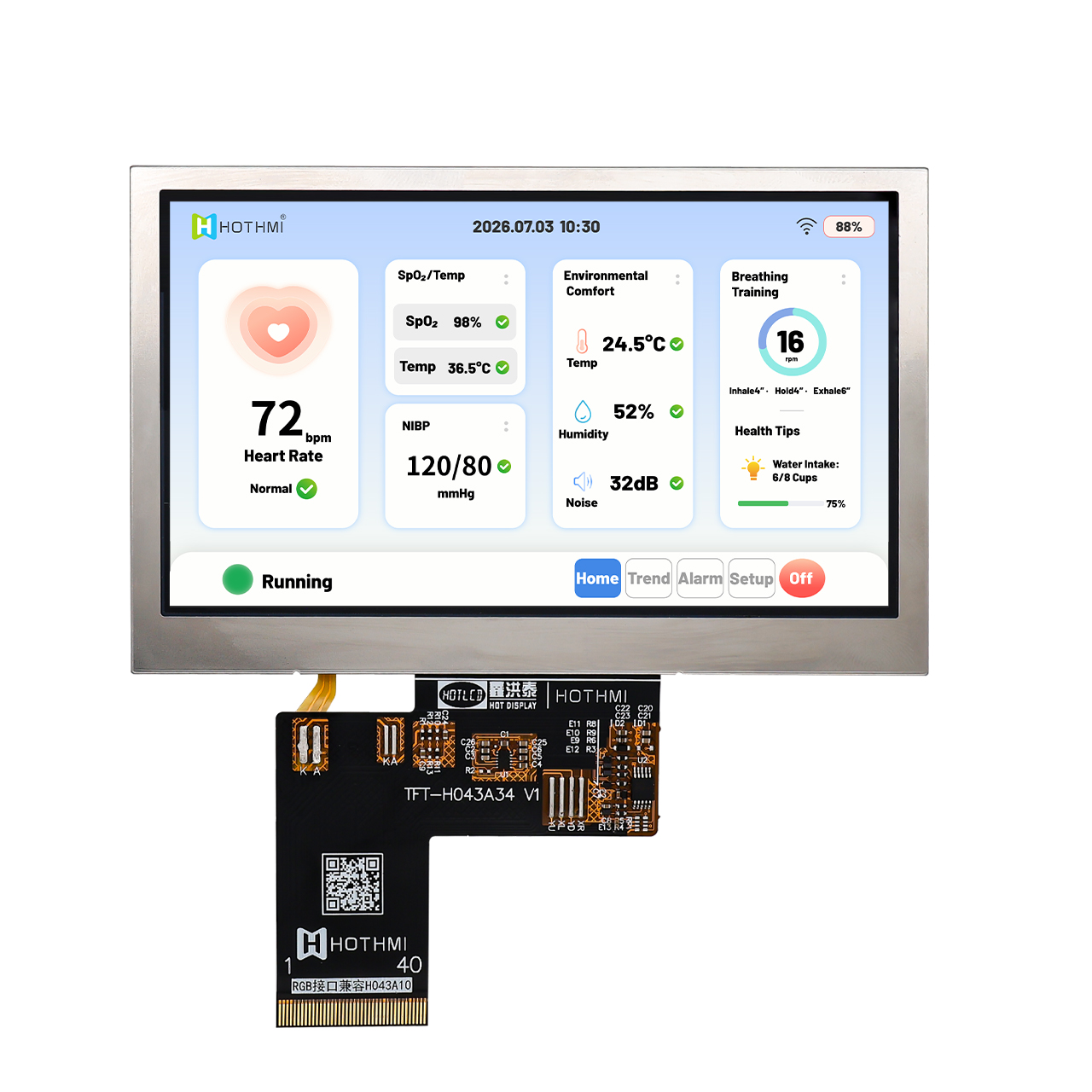
4.3 inch Wide Temperature IPS LCD Display RGB Interface Resolution of 800x480 Pixels
The TFT-H043A34SVIGH6N40 is a 4.3-inch wide-temperature industrial TFT LCD display module designed for embedded systems, industrial control equipment, medical d
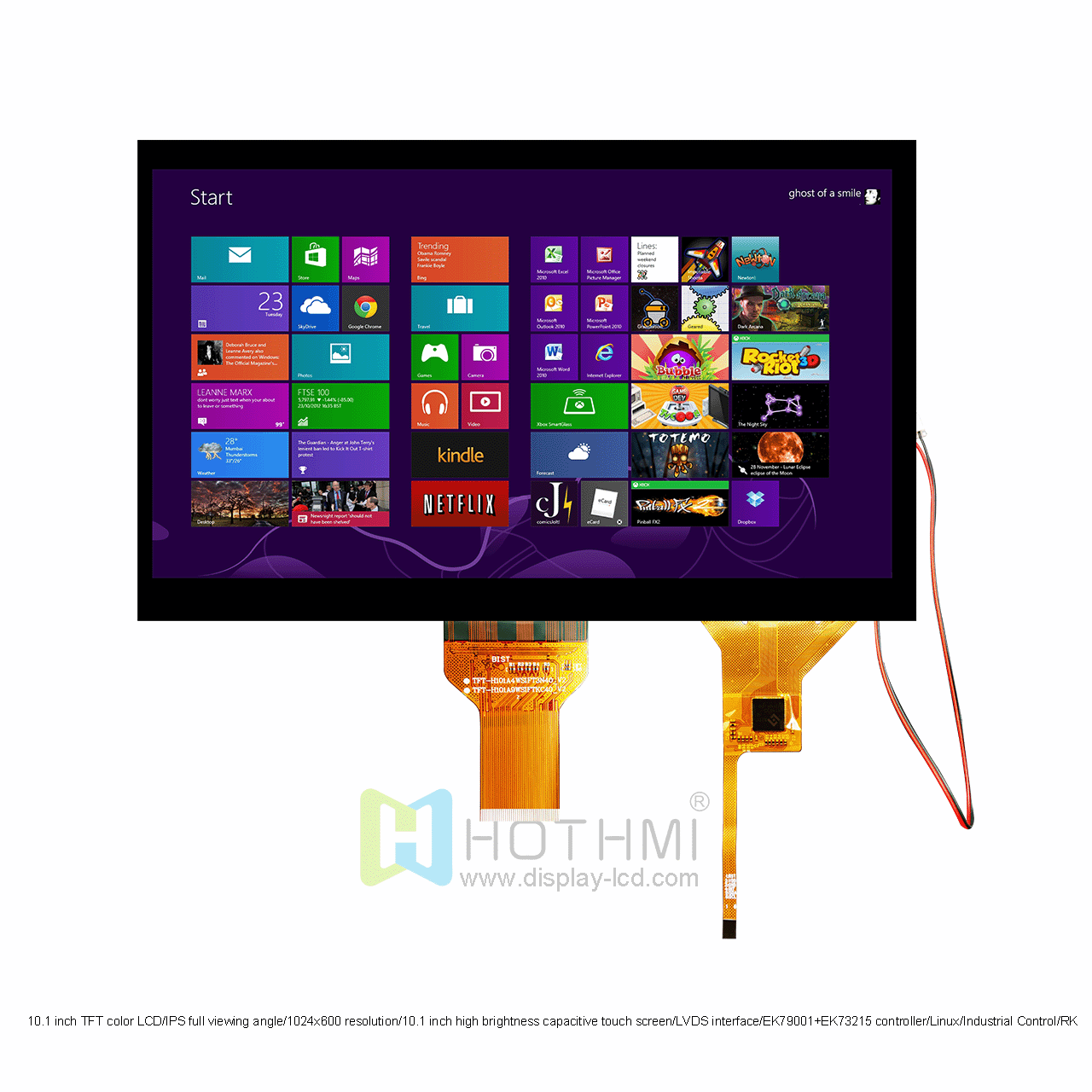
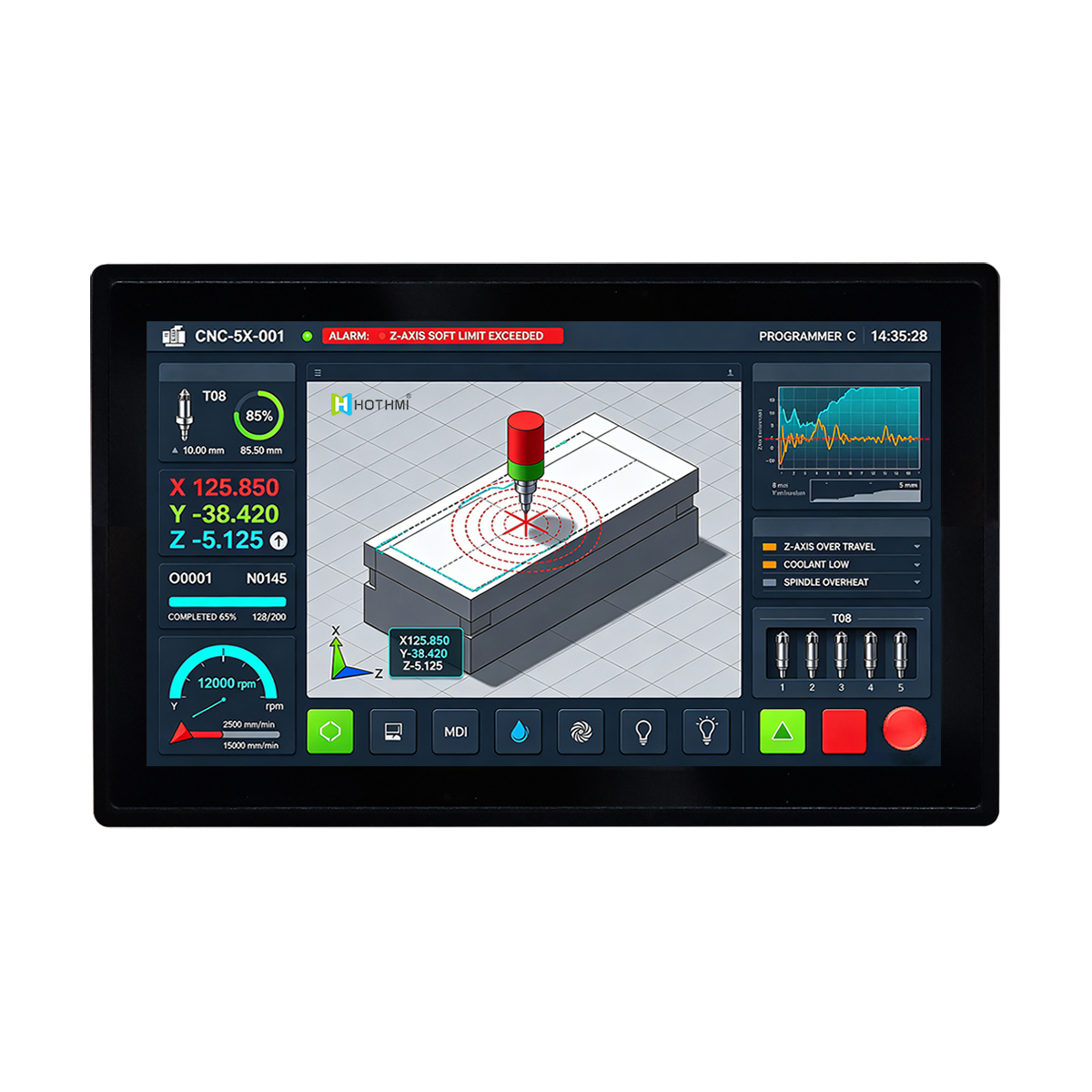
10.1-Inch High-Brightness TFT LCD with Capacitive Touch
Product Overview of 10.1-Inch High-Brightness TFT LCD with Capacitive TouchThe TFT-H101A9WSIFTKC40 is a 10.1-inch high-brightness IPS TFT LCD designed for embed
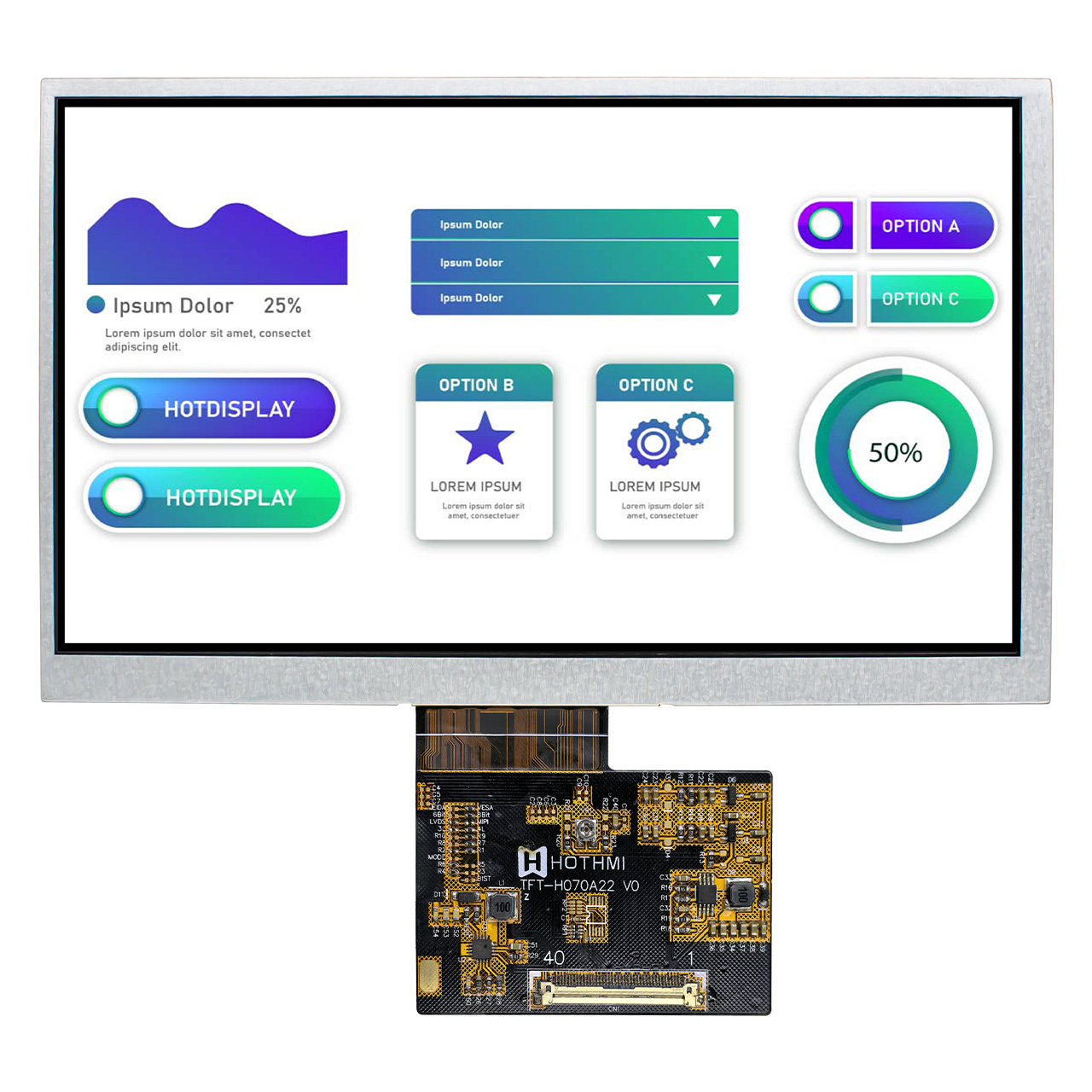
7-Inch IPS TFT LCD Display with 1024x600 Resolution
Introduction to 7 inch IPS TFT LCD displayThe TFT-H070A22WSIJD8N40 is a 7-inch IPS TFT LCD display designed for industrial control systems and portable electron
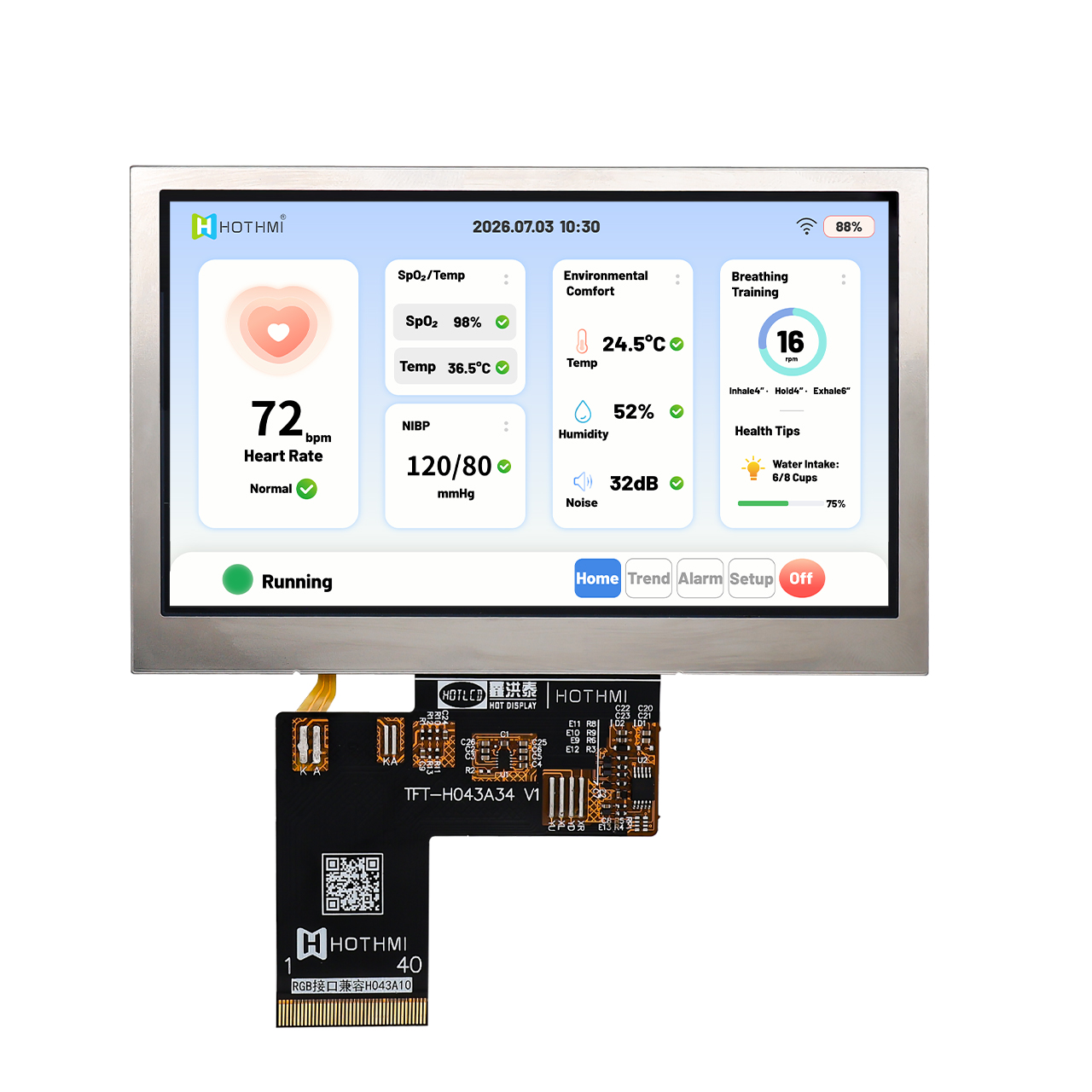
5 Inch High Brightness TFT Display 800x480 TFT LCD For Outdoor Instrument
This 5.0-inch Ultra-high brightness TFT Display is a high-performance TFT LCD module engineered for outdoor instruments and industrial control applications where standard displays simply fail. With an extraordinary brightness of 3000cd/m², this 5.0-inch Ultra-high brightness Display delivers crisp, vivid images even under direct sunlight, making it the ideal choice for outdoor measuring instruments, field equipment, and industrial control panels. Featuring an 800x480 WVGA resolution on a 5.0-inch screen, this 5.0-inch Ultra-high brightness Display produces sharp text, clear graphics, and detailed images that are widely supported and ideal for instrument interfaces, data monitoring, and control applications.
- Request A Quote
Capacitive vs Resistive Touch Screen: Which Is Right for Your Product
Publish time:2026-10-15 10:54:42
Detailed Product Description
Choosing a touch technology affects how users operate a device, how the front panel is designed and how the touch controller connects to the host system.
Capacitive and resistive touchscreens use different sensing methods. Neither is the right choice for every product. The best option depends on the user interaction, operating conditions, mechanical design and controller compatibility.
1. How Does a Capacitive Touchscreen Work?
A capacitive touchscreen detects changes in capacitance caused by a finger or another compatible conductive input.
It is commonly used for modern user interfaces with touch menus, gestures and multi-touch functions when supported by the selected controller.
Important design considerations include the touch controller, cover-glass thickness, touch structure, interface, surface treatment and mechanical integration.
2. How Does a Resistive Touchscreen Work?
A resistive touchscreen detects pressure that brings conductive layers into contact. It can be suitable for equipment designed around pressure-operated input.
The exact performance and user experience depend on the panel construction, controller, front surface and application requirements.
Before selecting a resistive panel, confirm the controller interface, touch area, mechanical structure and intended operating method.
3. Capacitive vs Resistive: Key Differences
| Factor | Capacitive touch | Resistive touch |
|---|---|---|
| Input principle | Detects changes in capacitance | Detects pressure between conductive layers |
| User interaction | Commonly used for modern touch and gesture interfaces | Suitable for pressure-operated input |
| Multi-touch | Supported by selected controllers and products | Do not assume multi-touch support |
| Cover design | Cover material and thickness affect the design | Front-layer construction must suit the resistive panel |
| Controller | Requires compatible touch controller and host interface | Requires compatible touch controller and host interface |
| Selection priority | Touch experience, cover structure and controller support | Input method, panel construction and system compatibility |
Actual performance depends on the selected panel and controller.
4. Which Touch Technology Fits Your Application?
Consider capacitive touch when:
The interface uses modern touch menus or gestures.
Multi-touch is required and supported.
The product needs a customized cover glass or printed front surface.
The host system supports the selected touch controller.
Consider resistive touch when:
The product specifically requires pressure-operated input.
The existing system is designed around a resistive controller.
The panel's mechanical and electrical specifications fit the intended use.
For industrial or outdoor equipment, also assess moisture exposure, gloves, cleaning methods, front-panel design and operating temperature. Do not assume either technology will work in every condition without validation.
5. Integrating Touch with a TFT LCD Display
A touch panel and a TFT LCD display are related but distinct components. The display interface and touch-controller interface may be different.
Before ordering, verify:
Display size, resolution and active area.
Touch active area and alignment.
Display driver IC and display interface.
Touch controller and communication interface.
Connector type, pinout and cable routing.
Cover-glass dimensions and mounting structure.
HOTDISPLAY lists TFT displays with capacitive or resistive touch options on selected models. Confirm the exact model configuration instead of assuming every display can be supplied with either touch type.
6. Common Purchasing Mistakes
Choosing by screen size without checking the touch active area.
Assuming the touch controller uses the same interface as the display.
Assuming multi-touch is available without confirming controller support.
Ignoring cover thickness, printed borders and enclosure openings.
Failing to test the complete assembly on the actual host board.
Frequently Asked Questions
Is capacitive touch always better than resistive touch?
No. Capacitive touch is common in modern interactive interfaces, while resistive touch can suit pressure-operated applications. The right choice depends on the intended input method and system requirements.
Can HOTDISPLAY supply TFT displays with touch?
Selected models are listed with capacitive or resistive touch configurations. Confirm the exact size, controller and interface in the product documentation.
Can the touch panel be customized?
Selected products support customization of cover-glass shape, thickness, dimensions and surface treatments. Feasibility depends on the chosen panel.
Can I add touch to an existing TFT display?
Possibly, but dimensions, active area, controller, interface and mechanical fit must be checked. A compatible touch panel or a different integrated display assembly may be required.
Find the Right Touch Display
Provide your touch method, display size, host interface, cover-glass drawing and application conditions. HOTDISPLAY can help identify relevant products and clarify customization requirements.
Hot Articles
Address: No. 22, Xinlesi Rd., Ma 'an Town, HuiCheng District, HuiZhou, 516057, Guangdong, China
- Tel:+86 18929368919
- Email: sales@hothmi.com
- Worktime:9:00-18:30
- Contact Person:Mrs. Dong
- Mobile Site